
Orbit study
72.0 KiB
72.2 KiB
Batch image studio
Resize, compress & convert images in your browser.
JPEG / PNG / WebP
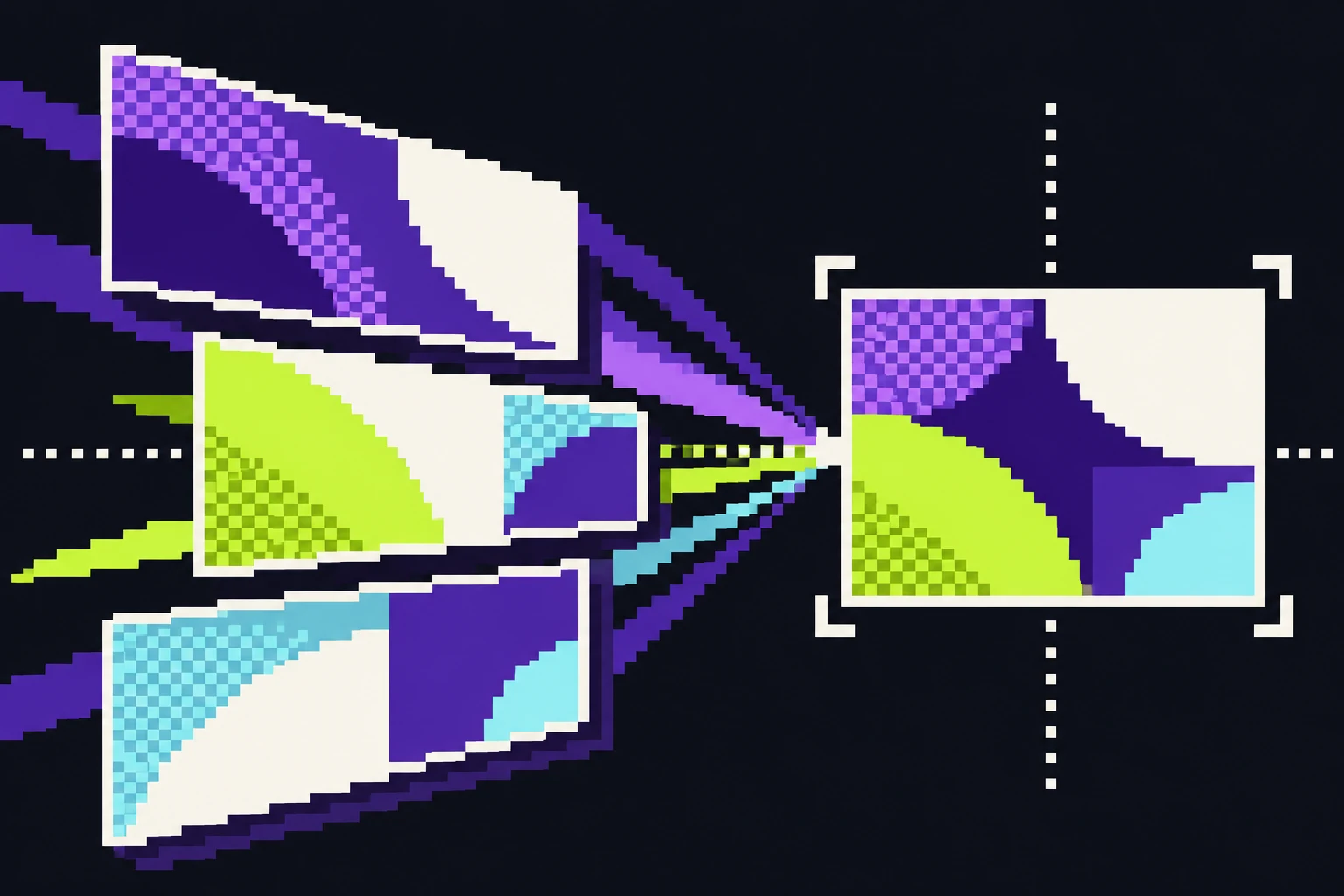
Start with the job. Keep control of the details.
Set a target and quality floor. See which files meet both.
File size Resize without stretchingFit a maximum width and height, with proportions intact.
Dimensions Make the canvas consistentPad to a square, choose a background, or adjust a crop.
Composition Choose a different formatConvert to JPEG, PNG or WebP and inspect the output.
FormatThese square JPEGs were exported by this workbench from the WebP samples shown. Dimensions and sizes are measured, not estimated.
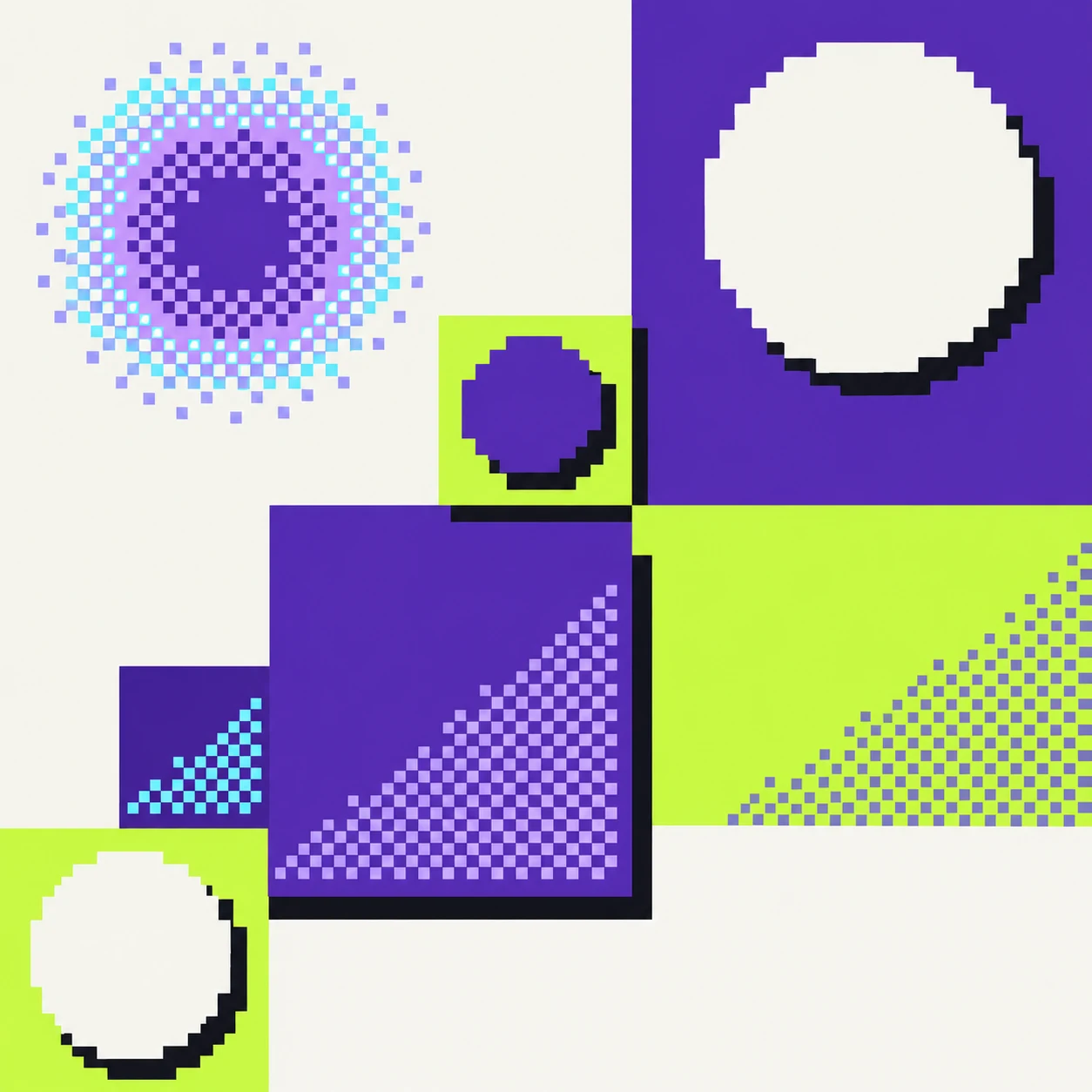

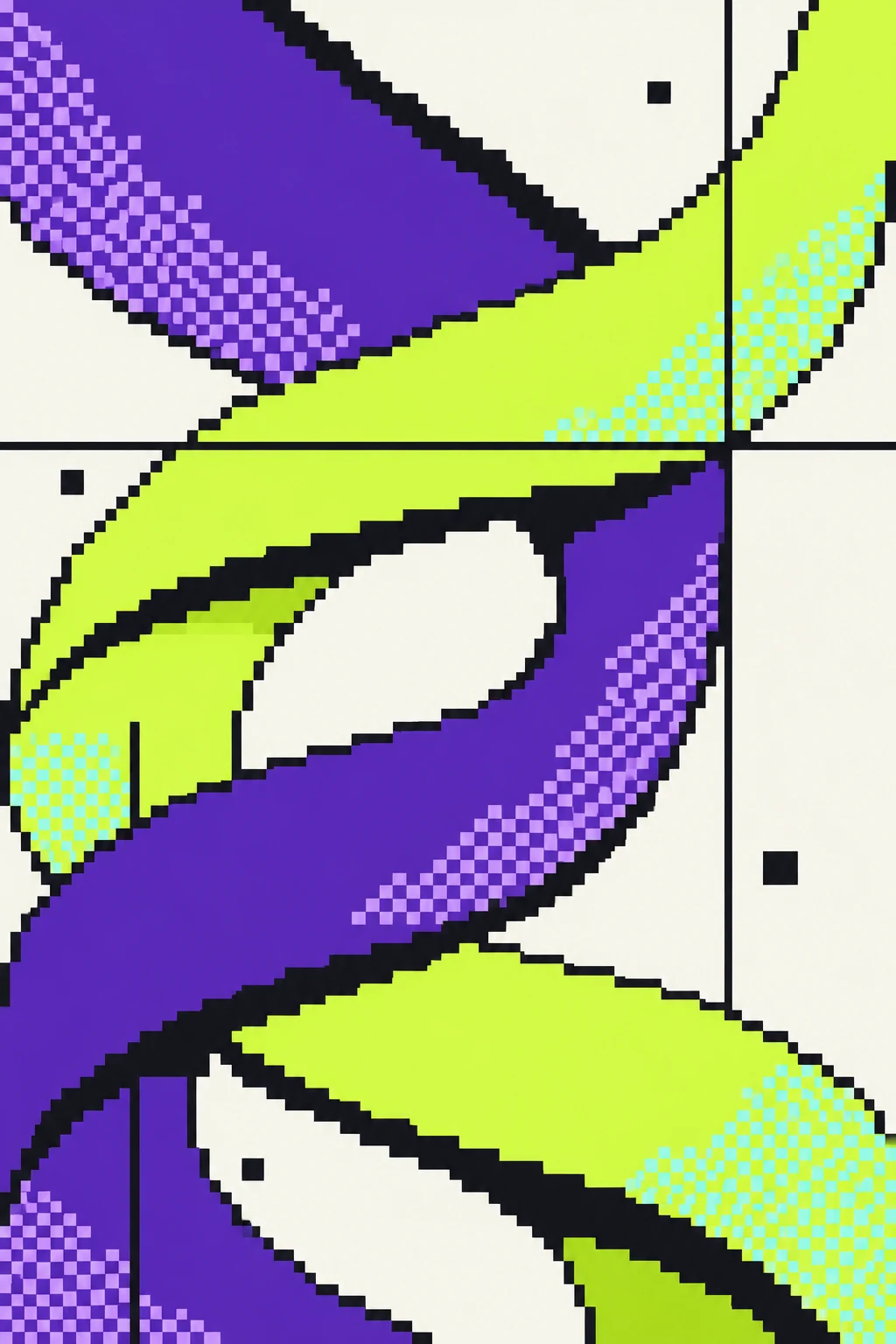
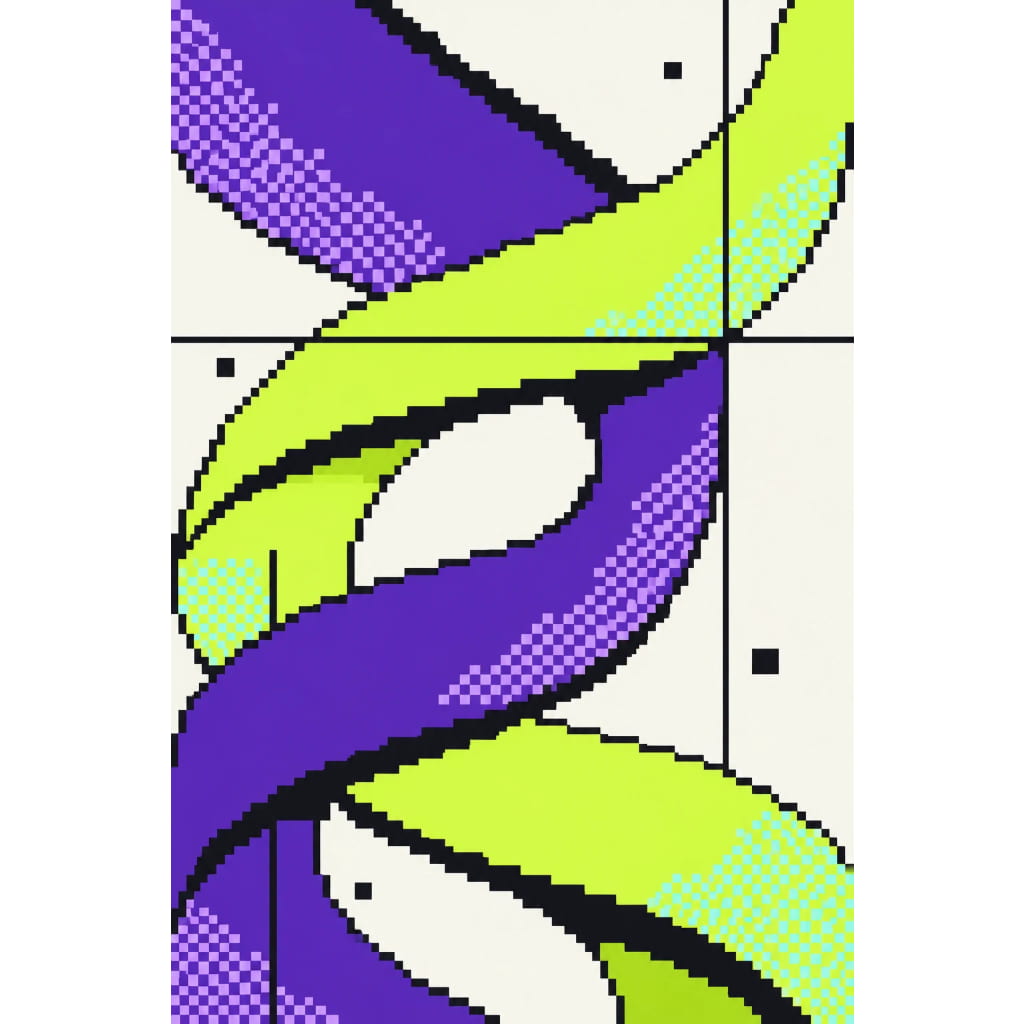
AI-generated abstract diagrams. The exports shown were processed by this workbench.
Custom example: white padding, no enlargement, JPEG quality 82, 250 KiB maximum. Not a marketplace preset.
Four starting points. One workbench.
Inputs are checked before processing. Originals are untouched.
Set canvas, format, file size and names. Save the rule for next time.
Compare each image. Download checked results in a ZIP and keep a CSV report.
Save the canvas, format, size target and naming rules you use most. Load them next time and focus on the exceptions.
Open the workbenchExample rule
Program files and codecs load from this origin. Image bytes, names and outputs are processed here and are not uploaded. Hosting may still record resource requests.
0 KiB means no size target. Dimensions stay fixed if the target cannot be met.
Files with common EXIF/GPS, copyright, IPTC/XMP or color metadata pause for review. Originals are unchanged.
Choose a solid background color, or transparent padding with PNG/WebP. JPEG cannot contain transparency and uses the selected solid background. A colored source background remains part of the image.
Your images. Your rules. Your device.